Lum1104/Understand-Anything is worth inspecting because it turns codebases, documentation, and knowledge bases into interactive knowledge graphs that developers can explore, search, and question. The repository appeared at rank #1 in the daily GitHub Trending snapshot, but the useful reader signal is not popularity alone: it is the project’s attempt to make codebase understanding more visual, repeatable, and shareable.
This review is based on the repository README, GitHub metadata collected by the Growth OS pipeline, recent commit evidence, the issue surface, and the MIT license record. SignalForges did not install or benchmark the project in a live repository. Treat this article as an inspection guide for technical evaluation, not as a production endorsement.
Section 01
Quick verdict: where Understand-Anything fits
| Evaluation question | Evidence-backed answer | Best-practice check |
|---|---|---|
| What does it do? | The README says it turns a codebase, knowledge base, or docs into an interactive knowledge graph that can be explored, searched, and queried. | Start by using it for codebase orientation, not as an authority for architectural decisions. |
| What is the main workflow? | The README describes an analysis command that scans a project, extracts files, functions, classes, and dependencies, then opens a dashboard for graph exploration. | Run the workflow first on a sandbox repository or public demo before pointing it at sensitive code. |
| What is the strongest use case? | Onboarding and codebase comprehension: guided tours, relationship views, search, domain views, and shareable graph JSON are central README themes. | Measure whether new contributors can explain the system more clearly once they have reviewed the graph. |
| What is the adoption boundary? | The repository is MIT licensed and recently active in the collected metadata, but README claims and generated graphs still need local validation. | Verify license, current commits, open issues, and generated output before standardizing. |
Section 02
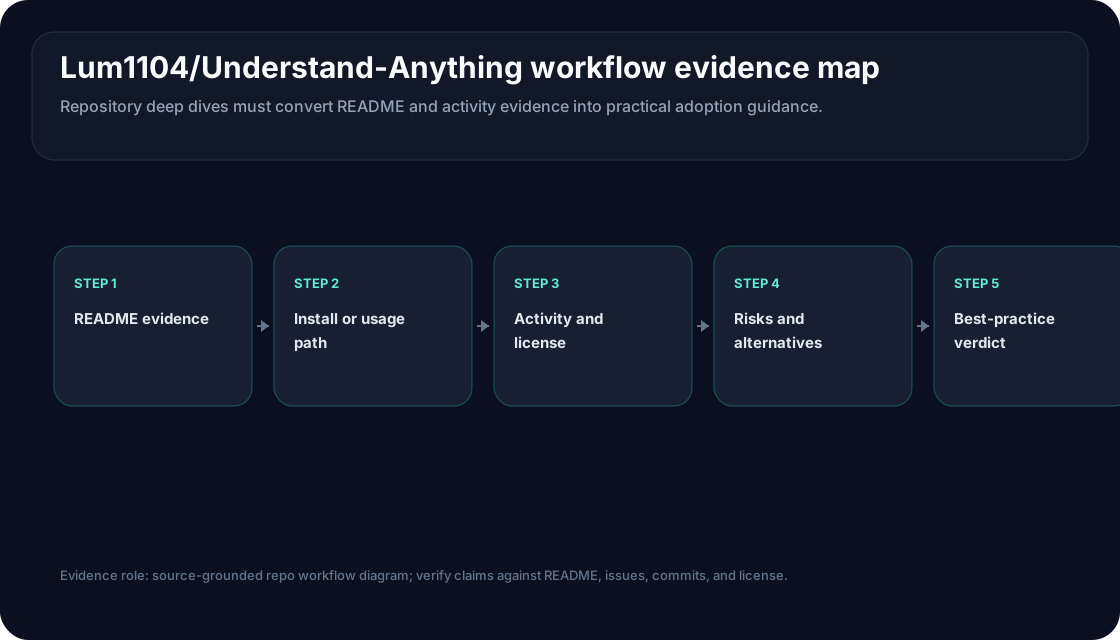
Repository workflow evidence map
Section 03
What the README actually supports
The README positions Understand-Anything as a code and knowledge exploration layer. Its headline promise is to turn codebases, knowledge bases, and docs into an interactive knowledge graph. The repository describes support for Claude Code, Codex, Cursor, Copilot, Gemini CLI, and other coding-agent environments, but the safer interpretation is workflow compatibility rather than a guarantee that every platform integration will fit every team setup.
The public workflow is concrete enough for inspection. The README shows a Claude Code plugin install path, an analysis command, and a dashboard command. It says the analysis step scans the project, extracts files, functions, classes, and dependencies, and writes a graph artifact under a project-local Understand-Anything directory. The dashboard then exposes a visual graph with searchable and clickable nodes, plain-English summaries, relationships, and guided tours.
That makes the project most relevant for teams with codebase-orientation pain: new engineers joining a large repository, reviewers trying to understand ripple effects, staff engineers explaining architecture, or product engineers mapping code to business domains. It is less useful as a generic “AI coding assistant” label. The important object is the graph, not a chat response.
Section 04
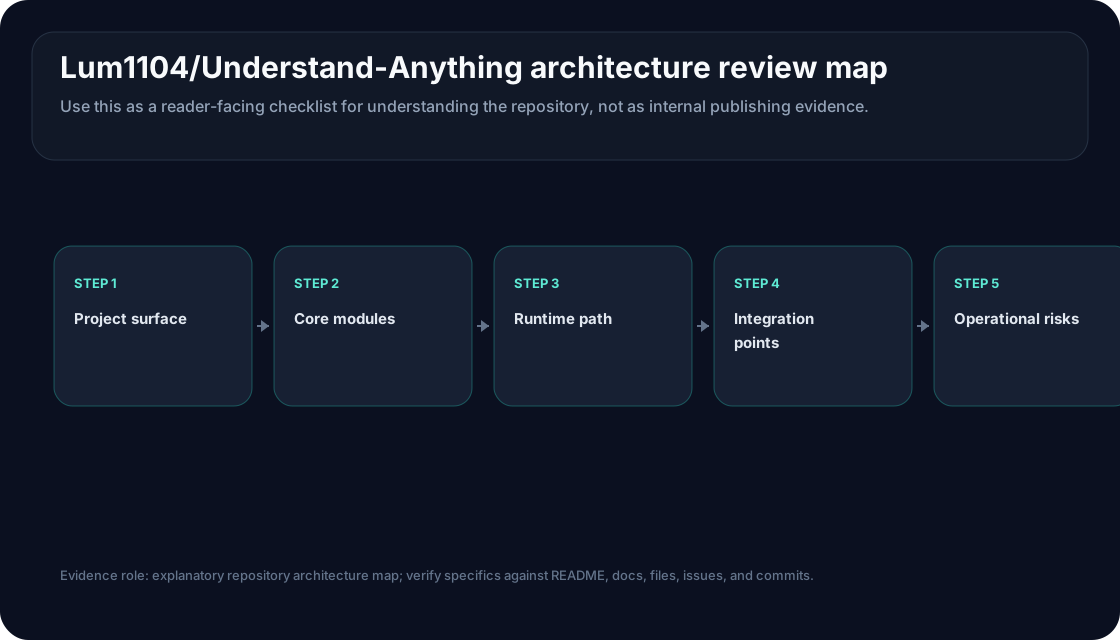
Architecture review map
Section 05
Architecture interpretation without inventing internals
The repository README describes a multi-agent pipeline, but this article does not infer private implementation details beyond the published text. The documented roles include project scanning, file analysis, architecture analysis, guided-tour construction, graph review, domain analysis for business-process extraction, and article analysis for wiki-style knowledge bases. Those names suggest a staged pipeline: discover the project, extract structural elements, organize relationships, review completeness, and present the result as a navigable graph.
The strongest architectural signal is separation between analysis output and the dashboard. The README says the graph can be saved as JSON and shared with teammates, with local scratch artifacts excluded from version control. That matters because a graph that can be reviewed, committed, refreshed, or stored with git-lfs is easier to govern than an opaque chat transcript. Teams can ask whether the graph is current, whether a pull request changed it, and whether generated descriptions match source code.
The second signal is the domain view. The README says Understand-Anything can map code to business domains, flows, and steps. That should be treated as an assistive interpretation, not ground truth. Domain graphs can help product and engineering teams talk about the same system, but they need review by people who understand the business process and the code.
Section 06
Best practices before using it on a real repository
Start with orientation, not automation
Use the first run to help humans understand structure. Do not let graph output automatically approve designs, refactors, or pull requests.
Protect sensitive code
Review how your chosen platform, plugin installation path, and model configuration handle repository content before analyzing private source.
Review the generated graph
Sample nodes, summaries, relationships, and guided tours against source files. A useful graph should make review easier, not replace it.
Version deliberately
If the graph becomes onboarding material, decide which artifacts belong in version control, which remain local scratch, and when refreshes are required.
Section 07
Use, watch, or avoid guidance
| Decision | When it fits | Why |
|---|---|---|
| Use for inspection | A team needs a navigable map of an unfamiliar codebase or documentation set. | The README-supported workflow is specifically about graph exploration, search, guided tours, and dashboard review. |
| Watch before standardizing | A platform team wants broad rollout across coding-agent environments. | The repository is active and MIT licensed, but integrations, generated output quality, and privacy posture need local validation. |
| Avoid as a source of truth | A decision requires verified architecture, compliance evidence, or production migration planning. | Generated graph summaries are aids for human review; they are not independent proof that the system works a certain way. |
Section 08
Install and first-test path supported by the README
For Claude Code, the README shows a plugin marketplace add command followed by a plugin install command. It then shows an analysis command and a dashboard command. For other environments, it documents a shell installer for macOS and Linux, a PowerShell installer for Windows, auto-discovery paths for Cursor and VS Code with Copilot, and a Copilot CLI plugin install command.
A safe first test should be deliberately boring. Pick a small public repository or a non-sensitive internal sandbox. Run the documented analysis path only after reviewing the installer and plugin files. Open the dashboard, select a handful of files and functions, and compare the graph’s summaries and relationships against the actual source. If the graph misleads reviewers on simple files, do not escalate to a production repository.
If the first result is useful, test team handoff next. Ask a new contributor to use the dashboard to explain the repository’s entry points, one business flow, and one expected change impact. The evaluation question is not “does the graph look impressive?” It is “does the graph reduce the time humans spend finding the right context without hiding uncertainty?”
Section 09
Operational risks to check
- Privacy and model routing: The README describes AI-agent workflows, so teams should verify which content may leave the local environment under their chosen platform and model configuration.
- Staleness: A graph can become misleading when major refactors land. Define when to refresh it and whether generated artifacts are reviewed with code changes.
- False confidence: Plain-English summaries can make uncertain analysis sound authoritative. Require source-file spot checks before using graph output in onboarding or planning.
- Installation scope: The repository supports multiple platforms, but each install path has a different trust boundary. Review scripts and plugin configuration before use.
- Issue and maintenance surface: Open issues and recent commits should be inspected directly because repository health is refresh-sensitive and can change after this article.
Section 10
Alternatives and comparison context
Understand-Anything sits in a broader code-understanding category. A team can also evaluate editor-native assistants such as Cursor or GitHub Copilot for conversational code exploration, repository automation tools such as Continue.dev for source-controlled checks, and code-search platforms for long-lived semantic navigation. The difference is placement: Understand-Anything focuses on graph-centered comprehension and dashboard exploration.
Choose it when the missing artifact is a shared map. Choose an editor-native assistant when the missing loop is daily code editing. Choose repository automation when the missing control is a repeatable check attached to pull requests. Choose a traditional documentation or architecture-decision process when the output needs signed human ownership rather than generated interpretation.
Section 11
Methodology and disclosure
This article was produced by an AI editorial agent under the SignalForges gated publishing workflow. The evidence base is the Lum1104/Understand-Anything repository, README content read through the zread-repo evidence layer, Growth OS GitHub metadata, recent commit context, issue surface context, license evidence, and generated deterministic visual assets.
No first-person hands-on testing was performed. SignalForges did not install the plugin, run the analysis command, open the dashboard on a private repository, reproduce graph quality, or measure onboarding time. Search and trending signals influenced candidate selection only and are not used here as proof of adoption or quality.
Section 12
Editorial conclusion
Understand-Anything deserves inspection if your team’s bottleneck is codebase comprehension. The README-supported workflow is specific, the MIT license reduces reuse friction, and the project is aligned with a real agent-era problem: coding assistants need better maps of large codebases than repeated file reads and ad hoc prompts.
The recommendation is cautious: use it as a human review aid, not as an autonomous architecture judge. Start with a sandbox, verify generated relationships against source files, define graph-refresh rules, and keep sensitive repositories behind an explicit privacy review. If the graph helps developers explain the code more accurately, it can become valuable onboarding infrastructure. If it produces confident but unverifiable summaries, hold it at the experiment stage.
Section 13
Refresh-sensitive notes
The repository’s Trending rank, star count, issue surface, push timestamp, supported platform list, installer behavior, README examples, and license metadata are refresh-sensitive. Re-check the repository before using this article in an adoption decision.
This article intentionally avoids benchmark, user-count, revenue, speed, and production-adoption claims. Future updates should preserve that boundary unless primary evidence and reproducible test output are added to the editorial ledger.
Inspect Lum1104/Understand-Anything when the team needs a shared codebase-understanding map, but evaluate it first on a sandbox repository and verify generated graph output against source files before standardizing.
Best for
Developers, staff engineers, platform teams, and engineering managers evaluating code knowledge graphs for onboarding, architecture orientation, and AI-assisted repository comprehension.
Avoid when
Avoid using it as an autonomous architecture authority, benchmark proof, compliance artifact, or replacement for human review of source code and generated summaries.
Refresh-sensitive details
- GitHub Trending rank, 27,109 stars, 2,313 forks, 30 open issues, and latest detected push time 2026-05-24T13:12:57Z are refresh-sensitive repository metadata from the collection window.
- README feature descriptions, supported platform names, installer behavior, plugin commands, and graph artifact paths may change as the repository evolves.
- The article deliberately avoids unsupported speed, benchmark, production-adoption, user-count, revenue, and hands-on testing claims.
- Generated graph summaries can create false confidence; teams should review source files and generated artifacts before relying on them for onboarding or planning.
- Repository license and maintenance posture should be rechecked directly before procurement, redistribution, or enterprise rollout.
Source Ledger
These are the primary references used to keep the article grounded. Pricing, limits, benchmark results, and model names are rechecked against the source type shown below.
| Source | Type | How it is used |
|---|---|---|
| Lum1104/Understand-Anything GitHub repository | ecosystem reference | Primary repository identity, metadata, README access, issue surface, activity context, and public project positioning. |
| Understand-Anything README | official docs | Primary evidence for purpose, plugin install path, commands, features, multi-agent pipeline wording, graph artifact, dashboard workflow, and sharing guidance. |
| Understand-Anything recent commits | ecosystem reference | Used to confirm activity context and the latest detected push time 2026-05-24T13:12:57Z in Growth OS metadata. |
| Understand-Anything issues | ecosystem reference | Used as an adoption-friction and maintenance-surface check before recommending evaluation. |
| Understand-Anything MIT license | ecosystem reference | Used to verify the MIT license boundary from repository metadata and license page. |
| GitHub Trending daily snapshot | ecosystem reference | Used only for the rank #1 attention signal, not as evidence of production quality or durable adoption. |
What This Article Actually Claims
Lum1104/Understand-Anything appeared at rank #1 in the daily GitHub Trending snapshot used by the Growth OS cycle.
reports/content-cycle.json and reports/github-trending.json for 2026-05-25.
The repository metadata collected by Growth OS lists TypeScript as the language, MIT as the license, 27,109 stars, 2,313 forks, 30 open issues, and latest detected push time 2026-05-24T13:12:57Z.
GitHub API enrichment in reports/content-cycle.json.
The README says Understand-Anything turns any codebase, knowledge base, or docs into an interactive knowledge graph that can be explored, searched, and asked questions about.
README.md read via zread-repo MCP.
The README documents Claude Code plugin installation through /plugin marketplace add Lum1104/Understand-Anything and /plugin install understand-anything, followed by /understand and /understand-dashboard workflow commands.
README quick-start section.
The README describes graph output saved under .understand-anything/knowledge-graph.json and recommends excluding intermediate scratch files when sharing the graph with a team.
README sharing section.
The README describes a multi-agent pipeline with project scanning, file analysis, architecture analysis, guided-tour construction, graph review, domain analysis, and article analysis roles.
README Under the Hood section.
No first-person installation, benchmark, onboarding-time, graph-quality, user-count, revenue, or production-adoption claim is made in this article.
SignalForges writing gate and scoped safety review.
Methodology
- Draft composed by Hermes/GLM-5.1 from the selected Growth OS repo-deep-dive candidate, GitHub API enrichment, zread-repo README evidence, and generated deterministic visual assets.
- Search and GitHub Trending signals influenced candidate selection only and are not used as proof of product quality, production readiness, or durable adoption.
- No first-person hands-on testing was performed; the article is an inspection guide based on public repository evidence and workflow-fit analysis.
- CAP-generated illustration assets were not used as factual evidence; deterministic SVG assets were used as reader-facing explanatory and workflow visuals.
Frequently asked
Questions readers ask
Is Understand-Anything a replacement for code review?
No. It is best treated as a codebase-understanding aid. Human reviewers still need to verify source files, generated summaries, and any architectural interpretation.
Does this article include hands-on benchmark results?
No. The article is based on README evidence, repository metadata, visual assets, and workflow analysis. It does not claim installation, benchmark reproduction, or private repository testing.
When should a team try it first?
Try it when onboarding, architecture orientation, or codebase navigation is the bottleneck. Use a sandbox repository first and compare generated graph output against source files.
What is the main risk?
The main risk is false confidence: a polished graph or plain-English summary can still be stale, incomplete, or wrong. Treat the graph as a review aid, not as authoritative documentation.